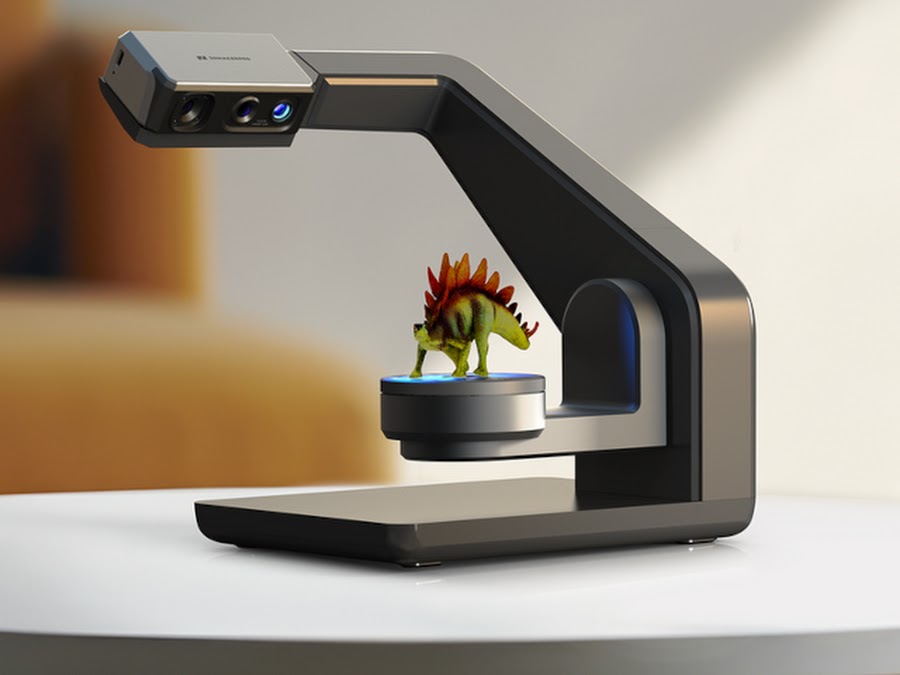
Introduction:
Precision: Captures fine details
and complex geometries with high accuracy.
Efficiency: Reduces the time and
effort required to measure and inspect crucial sections manually.
Versatility: Can be used for a
wide range of materials and part sizes.
Documentation: Provides a digital
record that can be used for quality control, reverse engineering, or further
analysis.
By following these steps, you can
effectively utilize a high-accuracy 3D scanner to capture crucial sections of a
part, ensuring that the data collected is precise and meets the required
specifications.
v
Competence in performing object scanning and
creating mesh files in 3d scanning equipment following established standard
operating procedures. Competence in performing object scanning and creating
mesh files using 3D scanning equipment following established standard operating
procedures (SOP) involves a thorough understanding of the scanning process,
meticulous preparation, and precise execution. This includes selecting the
appropriate 3D scanner for the object, ensuring the object is clean and, if
necessary, applying a temporary matte powder to eliminate any surface
reflections that could interfere with scan accuracy. The scanner must be
calibrated correctly according to the manufacturer's guidelines, and the object
must be securely positioned to avoid any movement during scanning. The scanning
process should be carried out methodically, capturing the object from multiple
angles to ensure all details are recorded. Once the scans are complete, the
data is processed using specialized software to align and merge the scans,
remove any noise, and create a detailed mesh file. This mesh file should then
be checked against the object’s specifications to ensure accuracy. Following
these SOPs ensures that the final mesh files are precise and suitable for
further applications such as quality control, reverse engineering, or digital
archiving.
v
Ability to import mesh files or scanned data
into CAD software equipped with reverse engineering tools Ability to import mesh files or scanned data
into CAD software equipped with reverse engineering tools is a critical skill
in the 3D scanning and design process. This process involves several key steps
and requires proficiency in both the scanning and CAD software environments.
Here’s how this competence is typically demonstrated:
Importing Mesh Files into CAD
Software:
1. Selecting Appropriate CAD
Software:
2. Preparing the Mesh File:
3.Importing the Mesh:
4.Aligning the Mesh:
5.Reverse Engineering:
6. Refinement and Modification
7. Validation:
Conclusion:
By mastering these steps, you
demonstrate the ability to seamlessly integrate mesh files or scanned data into
CAD software equipped with reverse engineering tools, enabling the creation of
accurate and detailed CAD models from physical objects. Proficiency in
extracting shapes from scan data to generate an editable solid model using CAD
tools involves a blend of semi-automatic surfacing, automatic surfacing, and
manual redrawing techniques.